When Ecopixel creates a website for a town, nonprofit, or government agency, we focus on how it functions, but also how it works for everyone. Your website is often the first place people turn for vital information: how to register for programs, how to apply for services, how to donate, how to stay informed about local decisions. But what happens if someone can’t use your website because of a disability? That’s where accessibility comes in.
What does web accessibility mean?
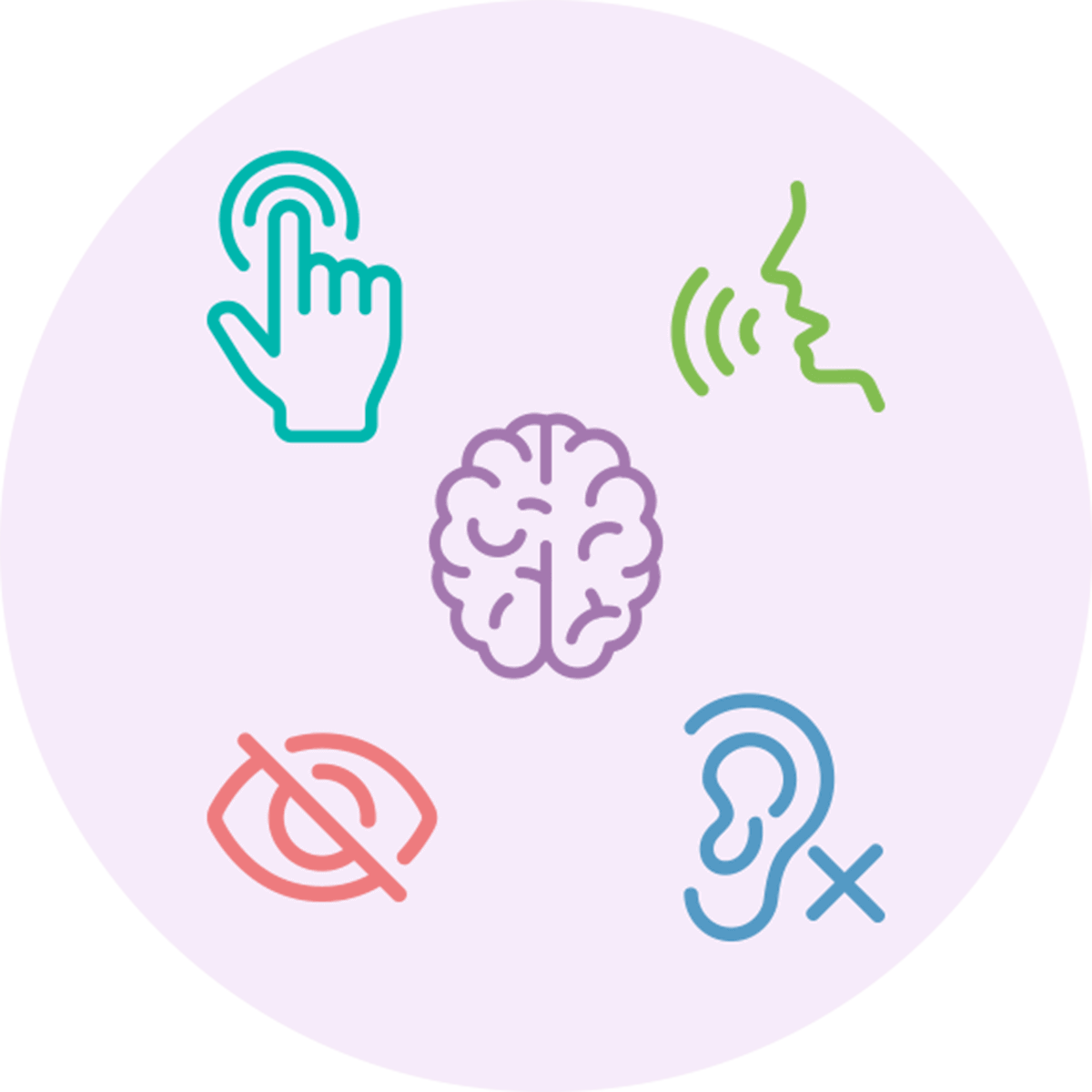
Web accessibility means your site is designed specifically so that anyone, regardless of ability, device, or assistive technology, can navigate, understand, and interact with your content. The Web Content Accessibility Guidelines (WCAG) are the web's reference point for doing that well. The guidelines include technical best practices that ensure your site works for people with visual, hearing, motor, and cognitive disabilities.
At Ecopixel, we craft our sites from the design stage to follow these guidelines. Beyond meeting the ethics of hosting a site that serves everyone (regardless of their physical limitations), being WCAG is actually a legal requirement under the Americans with Disabilities Act (ADA).
State and local governments (and well-intentioned non-profits) must make all programs, services, and activities accessible to people with disabilities. That list now includes online services. A federal rule finalized in 2024 under Title II of the ADA makes it explicit that web content and mobile apps for government entities need to meet recognized accessibility standards like WCAG.
Even when courts haven’t spelled out every detail, both the U.S. Department of Justice and many federal and state courts have treated inaccessible websites as a form of discrimination. That means public-facing websites that don’t offer equivalent access to all users can become a legal risk.
Nonprofits aren’t categorically exempt from digital accessibility law either. While the legal landscape is more mixed for private organizations, nonprofits that receive federal funding or provide public-facing services can still be subject to accessibility requirements and risk litigation over inaccessible content.
Under Title III of the Americans with Disabilities Act, private businesses, service providers and non-profit organizations that serve the public must engage in effective communication. To effectively communicate with all abilities, organizations must take steps to provide auxiliary aids and services (e.g., braille materials, sign language interpreters).
What makes a WCAG compliant site different?
From the ground up, a WCAG-aligned site will take many web elements into account:
Visual design and readability
- Color contrast: Ensure text and important interface elements meet contrast guidelines (light versus dark) so they’re readable for people with low vision or color blindness.
- Readable typography: Comfortable font sizes, sufficient line height for type to breathe, and sensible line lengths help users with low vision or cognitive disabilities.
Structure, tagging, and semantic HTML
- Proper heading hierarchy: Use headings in logical order (H1, then H2s, then H3s) so screen readers can navigate content efficiently.
- Semantic elements: Use native HTML elements appropriately (nav, main, header, footer, button, label, etc.) instead of generic <div> tags for all elements.
- Landmarks and regions: Clear page regions help assistive tech users jump to the main content, navigation, or footer quickly.
- Descriptive links: Full link text should make sense out of context (avoid “click here” and “read more” without context).
Images, media, and documents
- Alt text for informative images: Provide short, accurate alternative text for images that convey meaning or information.
- Decorative images handled correctly: Decorative images should be ignored by screen readers (empty alt text) so they don’t add noise.
- Captions and transcripts: Videos should have captions; audio content should have transcripts whenever possible.
- Accessible PDFs: PDFs should be tagged, readable by screen readers, and structured with headings.
Navigation, Forms, Content Clarity
And other general areas to consider for accessibility include broader scope issues. Ask yourself:
- How can others navigate your site? Does it require a mouse or can a user navigate the site with a keyboard alone?
- Are your forms labeled for screen readers to properly read each field entry?
- Is your content written in clear and concise plain language for users with cognitive disabilities?
Building accessibility into your site doesn’t mean sacrificing design. It means thinking through the same user-centered approach you already bring to content, forms, and navigation, but with a wider lens so no one gets left behind.
If you’d like help understanding where your current site stands, or how to make accessibility part of your next redesign, we’re here to talk. Accessible web design isn’t just compliance, it’s good stewardship of your constituent relationships.
Interested in how Ecopixel can bring you into ADA compliance? Contact Ecopixel for a demo today!